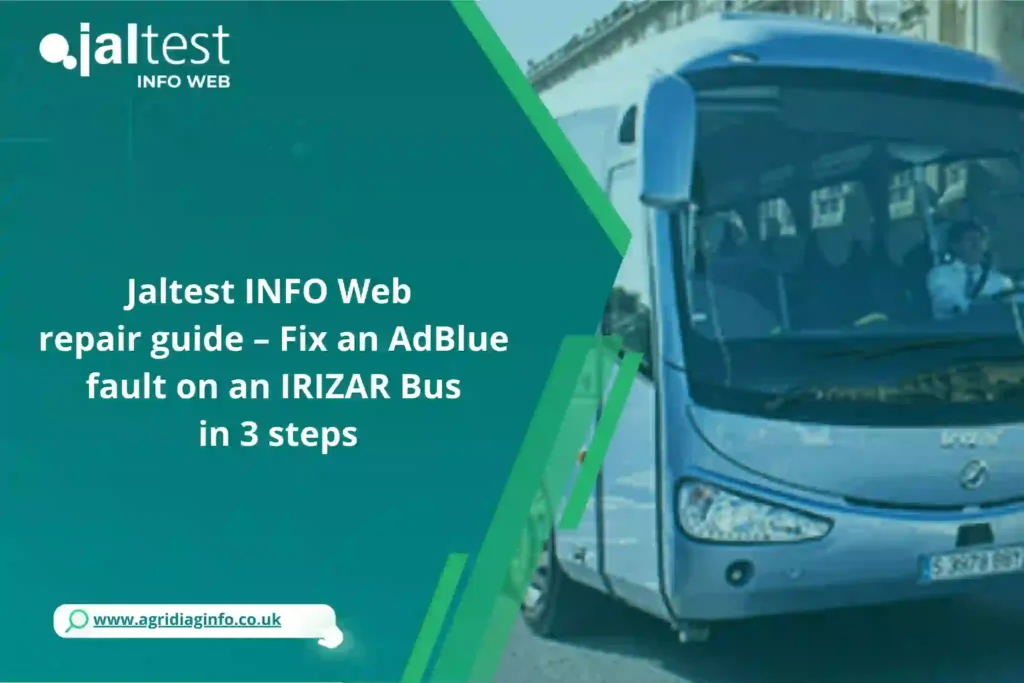
Have you ever wondered how a simple AdBlue warning light can immobilize an IRIZAR bus and create real headaches for both drivers and technicians? At first glance, solving this issue might seem time-consuming and tool-intensive. However, with Jaltest INFO Web, the process becomes fast, clear, and highly efficient.
In this article, you will learn how to fix an AdBlue fault in just 3 simple steps, so that you can avoid unnecessary complexity.
Repair guide overview: IRIZAR Bus and AdBlue fault
IRIZAR buses are known for their durability and passenger comfort, but the AdBlue (SCR) system requires regular attention.
Using this guide, most interventions can be completed in 30 to 45 minutes, depending on the technician’s experience.
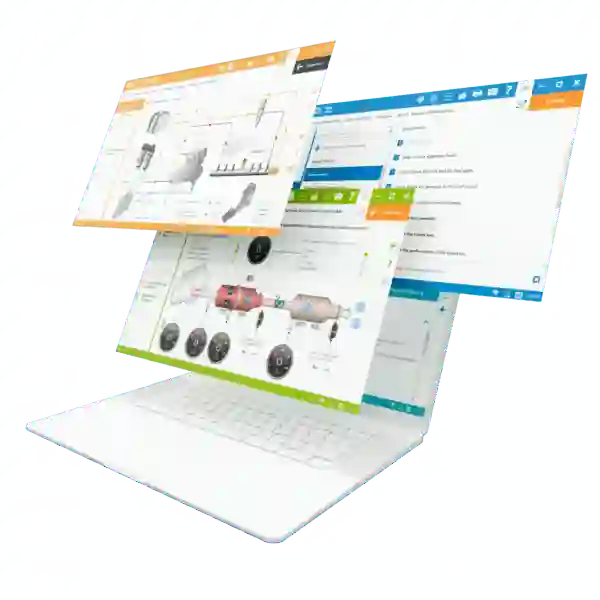
The difficulty level is moderate, as every step is clearly guided by Jaltest INFO Web—a technical information platform that centralizes all the data needed to understand, diagnose, and repair the vehicle efficiently.
Essential tools for the repair with Jaltest INFO Web
To carry out this repair, you will need:
- Access to Jaltest INFO Web: technical data, fault codes, and guided repair procedures
- Laptop or tablet: to follow instructions and diagrams in real time
- Standard workshop tools: to inspect and handle AdBlue system components
- Clean AdBlue fluid: to refill or replace the fluid if necessary
- Protective gloves and safety glasses: for safe handling
Variations and Substitutions
If a laptop is not available, a tablet or smartphone is sufficient to access Jaltest INFO Web.
In most cases, standard workshop tools can replace specialized equipment.
Step-by-Step Guide: fixing an AdBlue fault on an IRIZAR Bus
Step 1: Identify the Problem
Using Jaltest INFO Web, search for the AdBlue fault code related to your IRIZAR bus.
The platform provides a clear explanation of the fault and identifies the affected components within the SCR system.
Step 2: Perform a Physical Inspection
Inspect the AdBlue tank, sensors, and lines.
Clean or replace damaged components, and make sure the AdBlue fluid is clean and at the correct level.
Step 3: Reset and Test the System
Jaltest INFO Web guides you through resetting the AdBlue system and clearing the fault code.
Afterward, confirm that the warning light does not return and that the bus operates normally.
Final assembly and repair validation
Once the repair is completed, ensure that all components are correctly reinstalled and properly secured.
Organize your tools and record the intervention in the maintenance log to build a clear and reliable technical history for the vehicle.
Storage and preparation for future AdBlue interventions
AdBlue fluid should be stored away from direct sunlight and kept at a stable temperature.
Sensors and electronic modules must remain dry and clean.
When maintaining multiple buses, recording fault codes in advance helps speed up future interventions and improves workshop efficiency.
Variations and alternatives for AdBlue repairs
Depending on the IRIZAR model, different AdBlue sensors or pumps may be used.
Jaltest INFO Web provides model-specific procedures, allowing technicians to adapt the repair to each vehicle configuration and maintenance history.
Conclusion
With this repair guide, fixing an AdBlue fault on an IRIZAR bus becomes simple, fast, and reliable.
Access Jaltest INFO Web today to streamline your maintenance operations and handle AdBlue issues with confidence.
👉 Discover Jaltest INFO Web now and make AdBlue problems easier to manage.