Have you ever purchased diagnostic software for your workshop… only to realize it didn’t meet your needs at all?
Now imagine being able to test the system before committing. Intriguing, right?
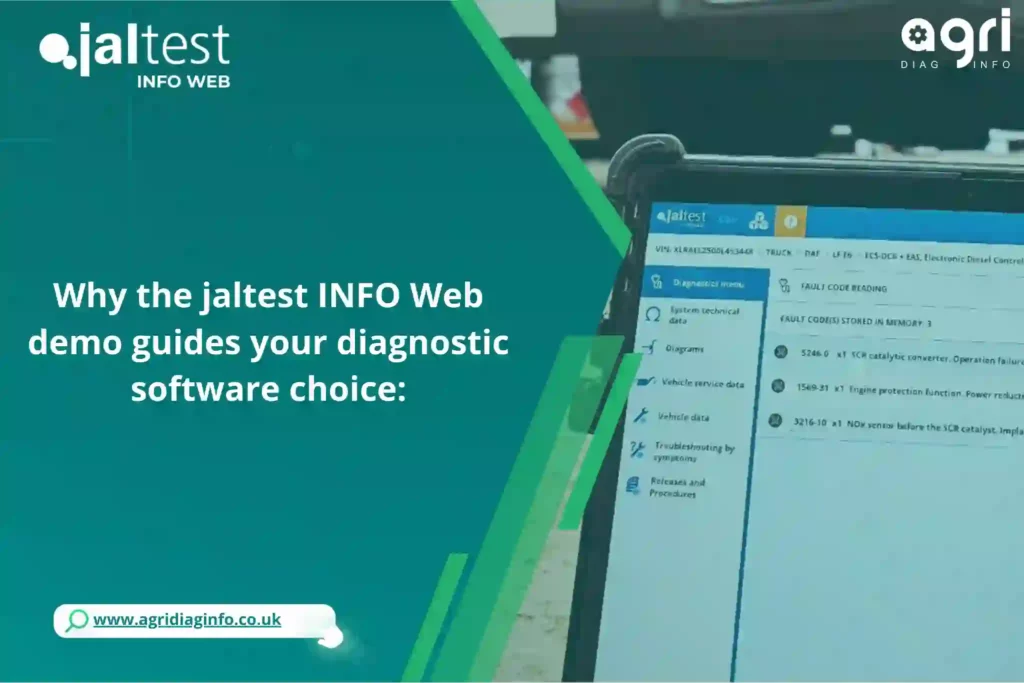
That’s exactly what the Jaltest INFO Web demo offers. It transforms your decision-making process and ensures you choose the right tool—without surprises.
What makes this demo special
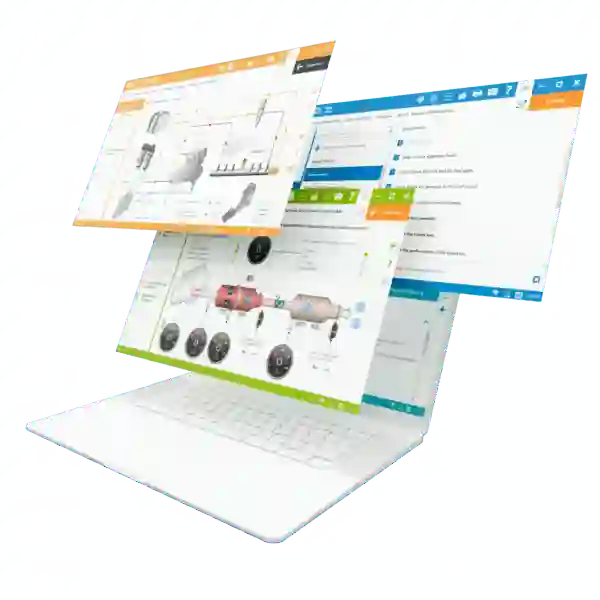
Jaltest INFO Web is not just software; it’s a complete multi-brand diagnostic information solution that centralizes fault codes, repair guides, wiring diagrams, and more.
Here’s what makes it unique:
⚡ Speed – In just a few minutes, you can explore its features and check compatibility with your vehicles.
👌 Simplicity – No long training required to see how effective it is.
🎯 Accuracy – It provides precise technical data, reducing errors and vehicle downtime.
Thanks to the demo, even less-experienced technicians can quickly understand how the software performs in a real workshop environment.
Essential ingredients of a good demo
To get the most out of your Jaltest INFO Web demonstration, make sure to check these key elements:
✔ Full Jaltest INFO Web Software
Ensure all announced features are available: fault code reading, actuator tests, detailed wiring diagrams, etc.
✔ Access to OEM-Level Guides and Data
Step-by-step instructions and technical databases should be accessible for each vehicle type.
✔ Support and Assistance
Take advantage of the representative being present to ask questions about installation, maintenance, and daily usage.
💡 Tip: You can compare with other systems or request variations based on your fleet type.
Steps to get the most out of the demo
1. Plan the demonstration
Contact our sales team to schedule an on-site or online session.
2. Prepare your vehicles
Have one or two vehicles ready to test, so you can evaluate real compatibility.

3. Explore All features
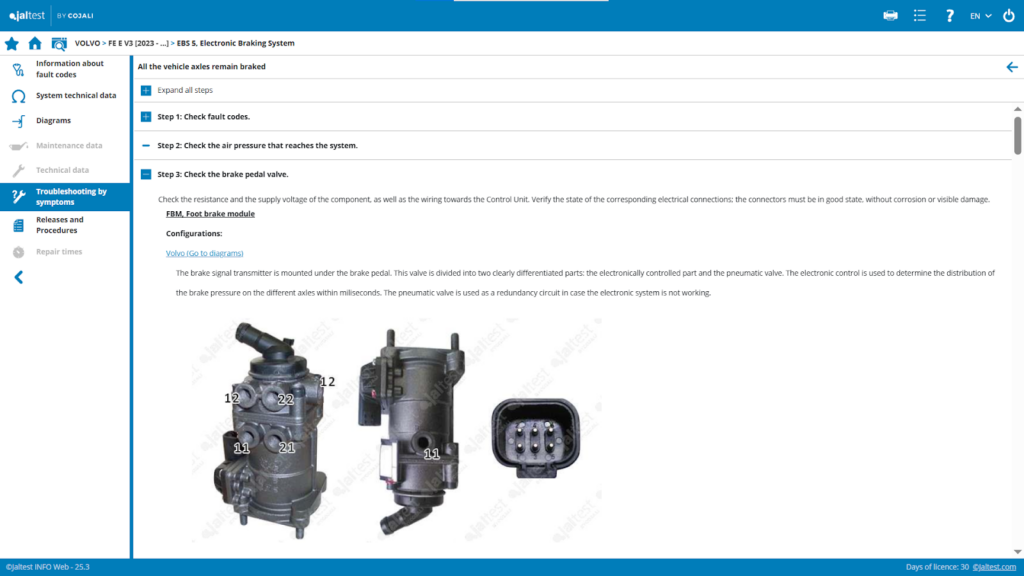
Read fault codes, follow repair guides, test actuators, and check available procedures.
4. Ask your questions
Ask for advice about calibrations, updates, and technical support options.
5. Take notes and save your results
Compare your findings with your workshop’s actual needs.
Putting It All together
After the demo, make sure to:
- Analyze ease of use and completeness of the features
- Check compatibility with your vehicles and internal processes
- Evaluate the support quality to anticipate future needs
💡 Advice: Ask whether certain features can be adapted to your specific vehicles or fleet type.
Storage & future preparation
- Save results and screenshots for later reference
- Regularly update your demo version to stay aligned with new features
- Create machine profiles to track diagnostics and recurring issues
Creative Ways to Personalize Your Demo
- Try the online demo if an on-site session isn’t possible
- Request a custom demo based on your vehicle types or workshop specialty
- Compare with other diagnostic tools to refine your final decision
Conclusion: Test, Experience, and Decide with Confidence
The Jaltest INFO Web demo is not just a presentation—it’s your best tool to make an informed diagnostic software choice. It allows you to:
✅ Verify compatibility with your vehicles
✅ Explore real functionalities and technical guides
✅ Make a confident decision before investing